Here you can choose between two different views: protected demo access to the CMS and already created sample pages for direct viewing.
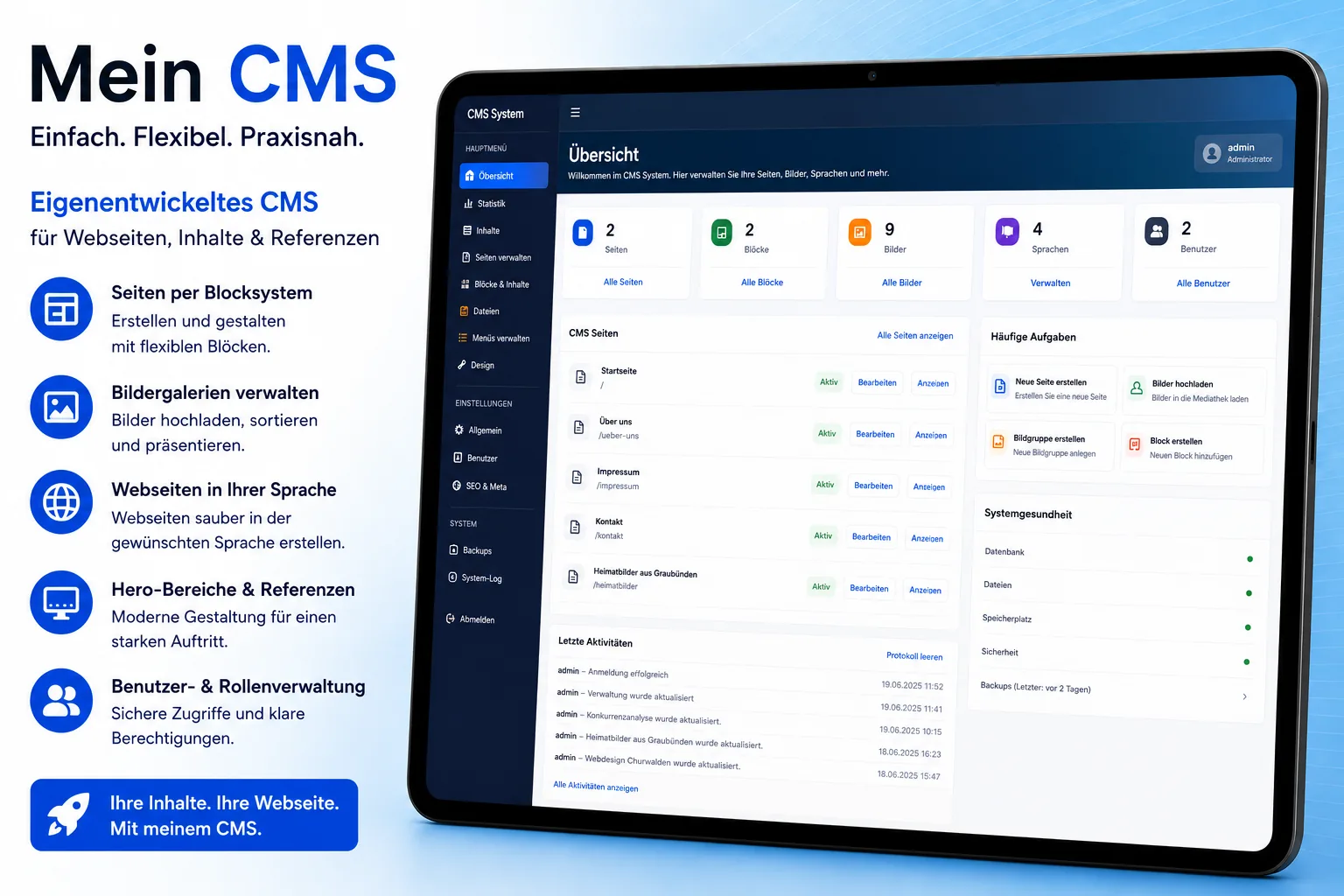
Here you can learn how my CMS is structured, which functions it offers and for which websites or companies it can be used.
View CMS solution → Discuss projectIf you need your own website, a CMS or an individual extension, we can discuss your requirements together.
Get in touch →The demo login shows the administration behind the website. The page preview, on the other hand, shows finished pages created with the CMS.
The normal demo access is intended for viewing the CMS administration. You can log in and explore the interface, but you cannot create your own content or pages.
This access is intentionally restricted and intended for viewing only.
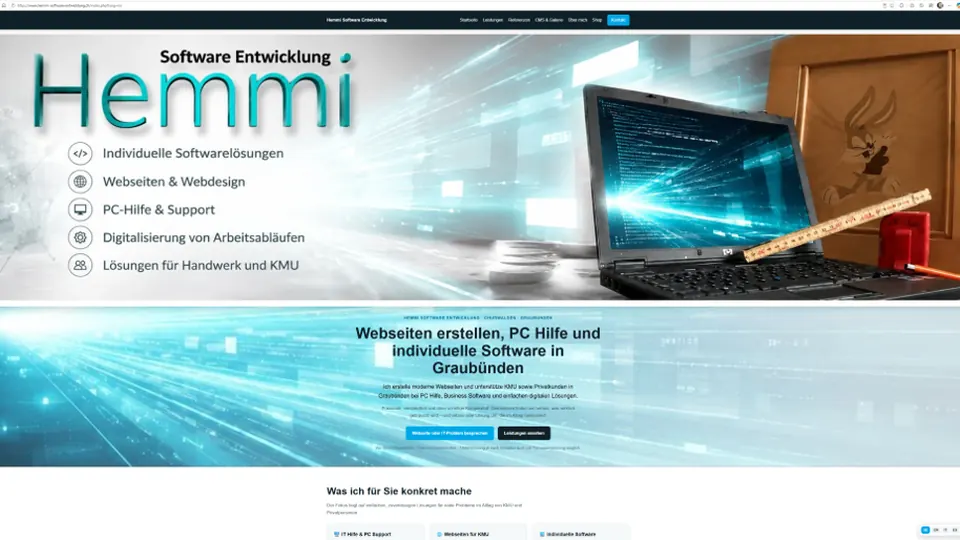
02 View without logging inHere you can view pages that have already been built with the CMS. No login is required. This lets you see directly how a finished website can look and work.
View sample pages →This area shows the visible website – not the CMS administration interface.
If you would like not only to view the CMS but really try it out, you can request a personal test account. This allows you to create pages and content yourself and test the operation first-hand. The test account is activated separately and is not the same as the public demo access demo / demo.